
142 lines
6.9 KiB
Markdown
142 lines
6.9 KiB
Markdown
<a href="https://discord.gg/wRCgB7vBQv">
|
|
<img src="https://img.shields.io/discord/811542332678996008?color=7289DA&label=Support&logo=discord&style=for-the-badge" alt="Discord">
|
|
</a>
|
|
|
|
# Vocard (Discord Music Bot)
|
|
> Vocard is a simple custom Disocrd Music Bot built with Python & [discord.py](https://discordpy.readthedocs.io/en/stable/)
|
|
|
|
# Demo (Bot & Dashboard)
|
|
* [Discord Bot](https://discord.com/api/oauth2/authorize?client_id=890399639008866355&permissions=36708608&scope=bot%20applications.commands)
|
|
* [Dashboard](http://vocard.xyz)
|
|
|
|
## Tutorial
|
|
Click on the image below to watch the tutorial on Youtube.
|
|
|
|
[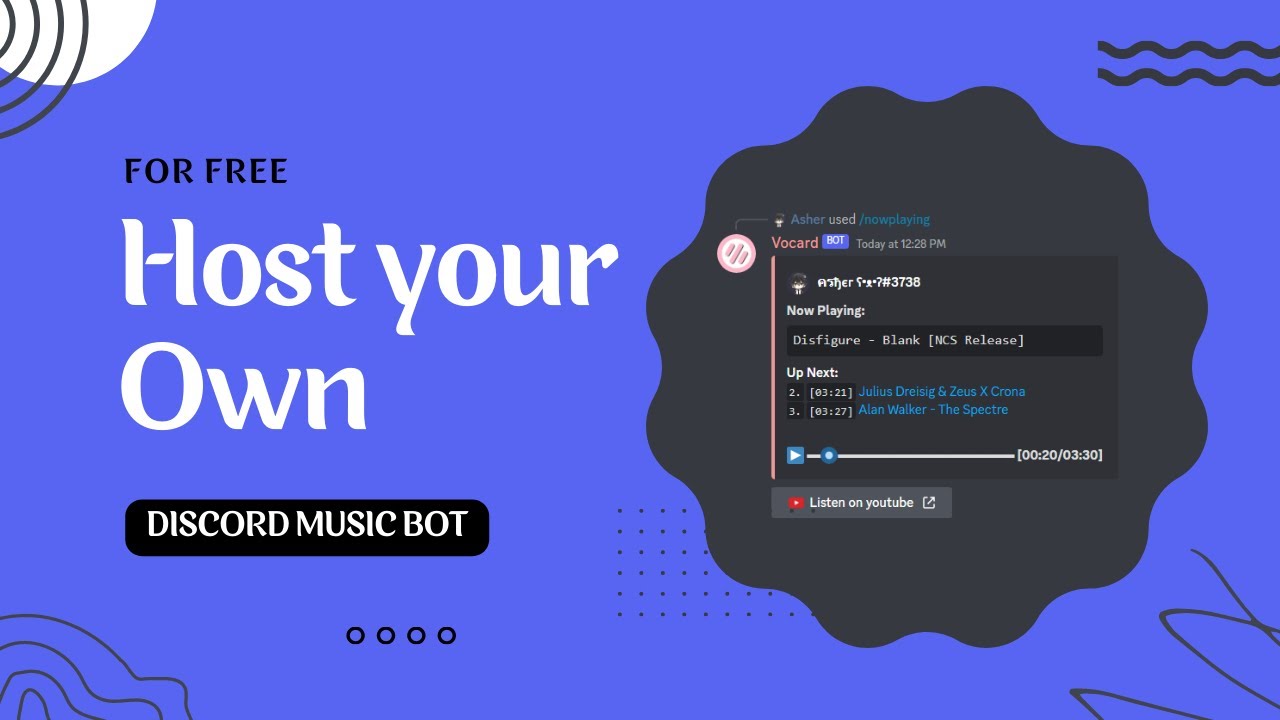](https://www.youtube.com/watch?v=f_Z0RLRZzWw)
|
|
|
|
## Screenshot
|
|
### Discord Bot
|
|
<img src="https://user-images.githubusercontent.com/94597336/227766331-dfa7d360-18d7-4014-ac6a-4fca55907d99.png">
|
|
<img src="https://user-images.githubusercontent.com/94597336/227766379-c824512e-a6f7-4ca5-9342-cc8e78d52491.png">
|
|
<img src="https://user-images.githubusercontent.com/94597336/227766408-37d733f7-c849-4cbd-9e17-0cd5800affb3.png">
|
|
<img src="https://user-images.githubusercontent.com/94597336/227766416-22ae3d91-40d9-44c0-bde1-9d40bd54c3af.png">
|
|
|
|
### Dashboard
|
|
<img src="https://user-images.githubusercontent.com/94597336/227766460-2c8e7718-c1c2-4c8a-8c0e-185d81db20cc.png">
|
|
<img src="https://user-images.githubusercontent.com/94597336/227766493-e7010813-077b-486a-b45c-4fbdc86f40bc.png">
|
|
|
|
|
|
## Run the Projects
|
|
[](https://replit.com/new/github/ChocoMeow/Vocard)
|
|
|
|
## Requirements
|
|
* [Python 3.8+](https://www.python.org/downloads/)
|
|
* [Modules in requirements](https://github.com/ChocoMeow/Vocard/blob/main/requirements.txt)
|
|
* [Lavalink Server (Requires 3.7.0+)](https://github.com/freyacodes/Lavalink)
|
|
|
|
## Quick Start
|
|
```sh
|
|
git clone https://github.com/ChocoMeow/Vocard.git #Clone the repository
|
|
cd Vocard #Go to the directory
|
|
python -m pip install -r requirements.txt #Install required packages
|
|
```
|
|
After installing all packages, you must configure the bot before to start! [How To Configure](https://github.com/ChocoMeow/Vocard#configuration)<br />
|
|
Start your bot with `python main.py`
|
|
|
|
## Configuration
|
|
1. **Rename `.env Example` to `.env` and fill all the values**
|
|
```sh
|
|
TOKEN = XXXXXXXXXXXXXXXXXXXXXXXX.XXXXXX.XXXXXXXXXXXXXXXXXXXXXXXXXXX
|
|
CLIENT_ID = 123456789012345678
|
|
CLIENT_SECRET_ID = YOUR_BOT_CLIENT_SECRET_ID
|
|
SERCET_KEY = DASHBOARD_SERCET_KEY
|
|
|
|
BUG_REPORT_CHANNEL_ID = 123456789012345678
|
|
|
|
SPOTIFY_CLIENT_ID = 0XXXXXXXXXXXXXXXXXXXXXXXXXXXXXXX
|
|
SPOTIFY_CLIENT_SECRET = 0XXXXXXXXXXXXXXXXXXXXXXXXXXXXXXX
|
|
|
|
YOUTUBE_API_KEY = AXXXXXXXXXXXXXXXXXXXXXXXXXXXXXXXXXXXXXX
|
|
|
|
MONGODB_URL = mongodb+srv://user:password@clusterURL
|
|
MONGODB_NAME = Vocard
|
|
```
|
|
| Values | Description |
|
|
| --- | --- |
|
|
| TOKEN | Your Discord bot token [(Discord Portal)](https://discord.com/developers/applications) |
|
|
| CLIENT_ID | Your Discord bot client id [(Discord Portal)](https://discord.com/developers/applications) |
|
|
| CLIENT_SECRET_ID | Your Discord bot client secret id [(Discord Portal)](https://discord.com/developers/applications) ***(optional)*** |
|
|
| SERCET_KEY | Secret key for dashboard ***(optional)*** |
|
|
| BUG_REPORT_CHANNEL_ID | All the error messages will send to this text channel ***(optional)*** |
|
|
| SPOTIFY_CLIENT_ID | Your Spoity client id [(Spotify Portal)](https://developer.spotify.com/dashboard/applications) ***(optional)*** |
|
|
| SPOTIFY_CLIENT_SECRET | Your Spoity client sercret id [(Spotify Portal)](https://developer.spotify.com/dashboard/applications) ***(optional)*** |
|
|
| YOUTUBE_API_KEY | Your youtube api key [(Google API)](https://cloud.google.com/apis) ***(optional)*** |
|
|
| MONGODB_URL | Your Mongo datebase url [(Mongodb)](https://www.mongodb.com/) |
|
|
| MONGODB_NAME | The datebase name that you created on [Mongodb](https://www.mongodb.com/) |
|
|
|
|
2. **Rename `settings Example.json` to `settings.json` and customize your settings**
|
|
***(Note: Do not change any keys from `settings.json`)***
|
|
```json
|
|
{
|
|
"nodes": {
|
|
"DEFAULT": {
|
|
"host": "127.0.0.1",
|
|
"port": 2333,
|
|
"password": "password",
|
|
"secure": false,
|
|
"identifier": "DEFAULT"
|
|
}
|
|
},
|
|
"prefix": "?",
|
|
"bot_access_user": [],
|
|
"color_code":"0xb3b3b3",
|
|
"default_max_queue": 1000,
|
|
"ipc_server": {
|
|
"host": "127.0.0.1",
|
|
"port": 8000,
|
|
"enable": false
|
|
},
|
|
"emoji_source_raw": {
|
|
"youtube": "<:youtube:826661982760992778>",
|
|
"youtube music": "<:youtube:826661982760992778>",
|
|
"spotify": "<:spotify:826661996615172146>",
|
|
"soundcloud": "<:soundcloud:852729280027033632>",
|
|
"twitch": "<:twitch:852729278285086741>",
|
|
"bandcamp": "<:bandcamp:864694003811221526>",
|
|
"vimeo": "<:vimeo:864694001919721473>",
|
|
"apple": "<:applemusic:994844332374884413>",
|
|
"reddit": "<:reddit:996007566863773717>",
|
|
"tiktok": "<:tiktok:996007689798811698>"
|
|
},
|
|
"controller": [
|
|
["back", "resume", "skip", {"stop": "red"}, "add"],
|
|
["tracks"]
|
|
],
|
|
"cooldowns": {
|
|
"connect": [2, 30],
|
|
"playlist view": [1, 30]
|
|
},
|
|
"aliases": {
|
|
"connect": ["join"],
|
|
"leave": ["stop", "bye"],
|
|
"play": ["p"],
|
|
"view": ["v"]
|
|
}
|
|
}
|
|
```
|
|
* For `nodes` you have to provide host, port, password and identifier of the [Lavalink Server](https://github.com/freyacodes/Lavalink)
|
|
* For `prefix` you can set the prefix of the bot. (If you don't provide any prefix, the bot will disable the message command).
|
|
* For `bot_access_user` you can pass the [discord user id](https://support.discord.com/hc/en-us/articles/206346498-Where-can-I-find-my-User-Server-Message-ID-). Example: `[123456789012345678]`
|
|
* For `color_code` you must pass a [Hexadecimal color code](https://htmlcolorcodes.com/) and add `0x` before the color code. Example: `"0xb3b3b3"`
|
|
* For `default_max_queue` you can set a default maximum number of tracks that can be added to the queue.
|
|
* For `ipc_server` you can set the host, password and enable of the ipc server.
|
|
* For `emoji_source_raw` you can change the source emoji of the track with discord emoji like `<:EMOJI_NAME:EMOJI_ID>`
|
|
* For `cooldowns` you can set a custom cooldown in the command. Example: `"command_name": [The total number of tokens available, The length of the cooldown period in seconds]`
|
|
* For `aliases` you can set custom aliases in the command. Example: `"command_name": [alias1, alias2, ...]`
|
|
* For `controller` you can set custom buttons in controller, you have to pass `2D Array` into controller. [Example Here](https://github.com/ChocoMeow/Vocard/blob/main/BUTTONS.md#examples)
|
|
|
|
## How to update?
|
|
1. Run `python update.py --check` to check if your bot is up to date
|
|
2. Run `python update.py --start` to start update your bot <br/>
|
|
***Note: Make sure there are no personal files in the directory! Otherwise it will be deleted.***
|