 # Vocard (Discord Music Bot)
> Vocard is a simple custom Disocrd Music Bot built with Python & [discord.py](https://discordpy.readthedocs.io/en/stable/)
# Vocard (Discord Music Bot)
> Vocard is a simple custom Disocrd Music Bot built with Python & [discord.py](https://discordpy.readthedocs.io/en/stable/)
Demo: [Discord Bot Demo](https://discord.com/api/oauth2/authorize?client_id=890399639008866355&permissions=36708608&scope=bot%20applications.commands),
[Dashboard Demo](https://vocard.xyz)
# Host for you?
 # Tutorial
Click on the image below to watch the tutorial on Youtube.
[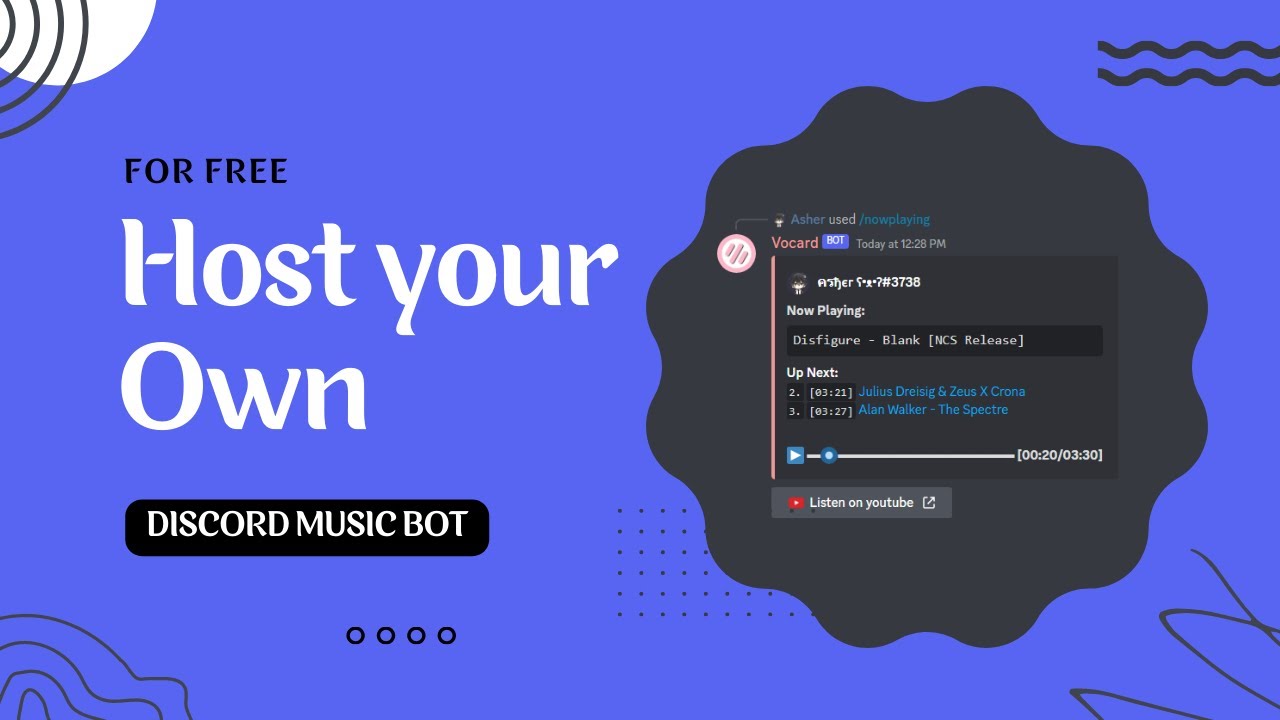](https://www.youtube.com/watch?v=f_Z0RLRZzWw)
## Screenshot
### Discord Bot
# Tutorial
Click on the image below to watch the tutorial on Youtube.
[](https://www.youtube.com/watch?v=f_Z0RLRZzWw)
## Screenshot
### Discord Bot


 ### Dashboard

 ## Requirements
* [Python 3.10+](https://www.python.org/downloads/)
* [Lavalink Server (Requires 4.0.0+)](https://github.com/freyacodes/Lavalink)
## Quick Start
```sh
git clone https://github.com/ChocoMeow/Vocard.git #Clone the repository
cd Vocard #Go to the directory
python -m pip install -r requirements.txt #Install required packages
```
After installing all packages, you must configure the bot before to start! [How To Configure](https://docs.vocard.xyz/configuration/)
## Requirements
* [Python 3.10+](https://www.python.org/downloads/)
* [Lavalink Server (Requires 4.0.0+)](https://github.com/freyacodes/Lavalink)
## Quick Start
```sh
git clone https://github.com/ChocoMeow/Vocard.git #Clone the repository
cd Vocard #Go to the directory
python -m pip install -r requirements.txt #Install required packages
```
After installing all packages, you must configure the bot before to start! [How To Configure](https://docs.vocard.xyz/configuration/)
Start your bot with `python main.py`
## Configuration
1. Rename `settings Example.json` to `settings.json` and [customize your settings](https://docs.vocard.xyz/configuration/#settings-up-settingsjson).
3. Now, you can start your bot with `python main.py`.
## How to update? (For Windows and Linux)
***Note: Make sure there are no personal files in the directory! Otherwise it will be deleted.***
```sh
# Check the current version
python update.py -c
# Install the latest version
python update.py -l
# Install the specified version
python update.py -v VERSION
# Install the beta version
python update.py -b
```